TL;DR
- Calendly eliminates the back-and-forth scheduling emails that slow down your hiring pipeline and cost you top candidates.
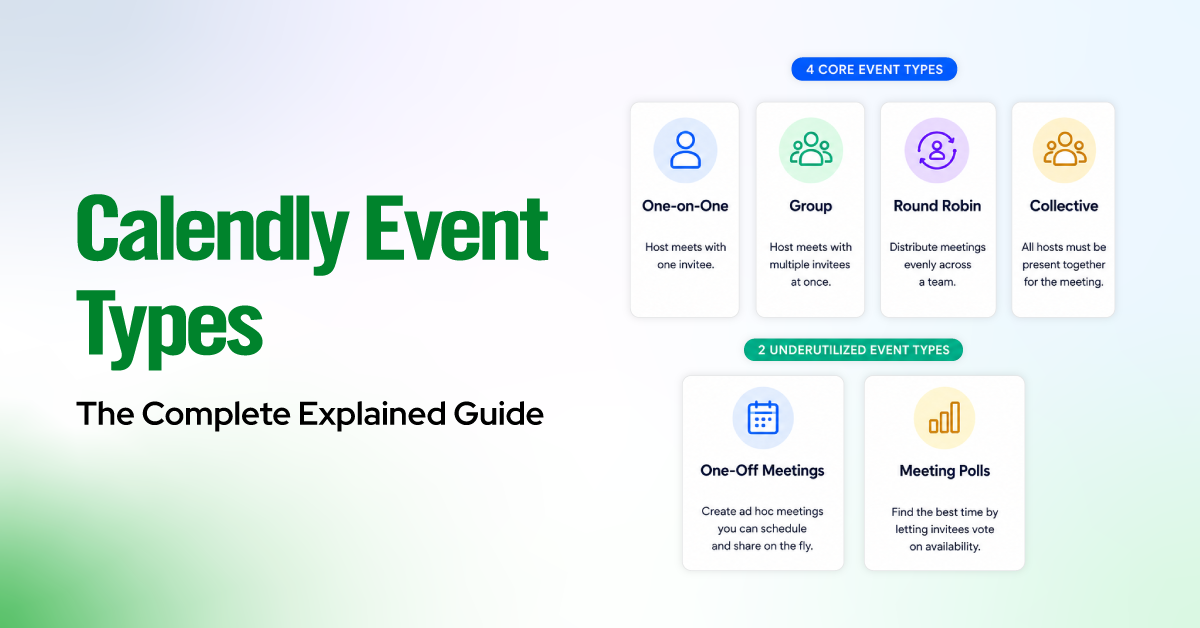
- Use Round Robin for phone screens to auto-distribute across recruiters, One-on-One for hiring manager interviews, and Collective scheduling for panel rounds.
- Native integrations with Greenhouse, Lever, and JazzHR push scheduling data directly into your ATS, removing manual entry.
- Automated workflows (email reminders, SMS nudges, follow-ups) cut candidate no-show rates by up to 30%.
- Calendly works best for teams of roughly 300 employees or fewer. Larger enterprises with complex, multi-stage coordination needs may outgrow it.
- The real ROI is not time saved for your team. It is the candidate experience you build that directly impacts offer acceptance rates.
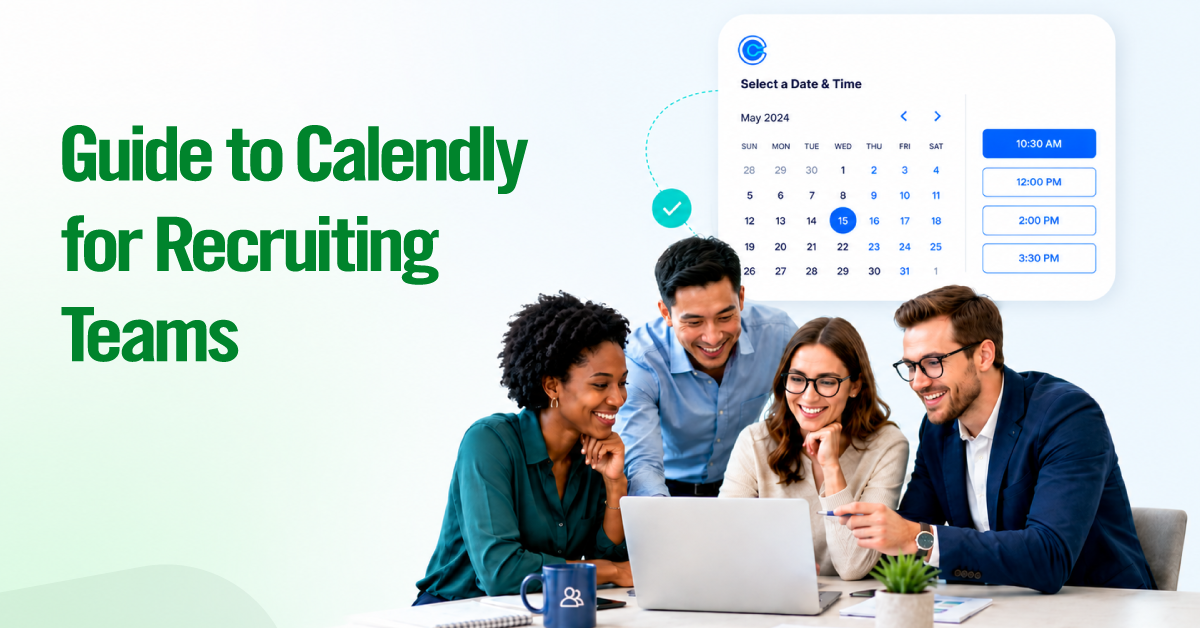
Calendly for recruiting is more than a simple interview scheduling link. When configured properly, it can support your entire hiring funnel — from first-touch phone screens to hiring manager interviews, panel rounds, candidate reminders, and ATS updates.
Scheduling is usually where candidate momentum breaks. A phone screen takes three days to book. A hiring manager’s interview gets delayed by calendar conflicts. A reminder never gets sent. These small gaps frustrate candidates, slow down recruiters, and create avoidable drop-off between stages. Research from Robert Half found that 57% of job seekers lose interest when the hiring process feels too drawn out — and if a strong candidate has to wait days just to confirm the next step, they may already be speaking with another company.

Calendly can reduce that friction, but only if it is set up intentionally. A generic booking link may handle basic availability, but it will not support a full recruiting workflow across phone screens, panel interviews, candidate reminders, ATS sync, and handoffs between teams.
Setting Up Calendly for Each Stage of Your Hiring Funnel
The biggest mistake recruiting teams make with Calendly is treating it as a single scheduling link. Each stage of your interview process has different participants, different availability constraints, and different candidate expectations. You need a distinct event type for each one.
Here is how we recommend mapping it out.
Stage 1: Round Robin for Phone Screens
Round Robin is the correct event type for initial phone screens because it automatically distributes bookings across your recruiting team without manual load balancing.
When a candidate clicks your scheduling link, Calendly checks real-time availability across all assigned team members and presents open slots. You can configure distribution in two ways:
Optimize for equal distribution: Calendly rotates bookings evenly across recruiters, regardless of who has more open time. This prevents one recruiter from becoming overloaded while others sit idle.
Optimize for availability: Calendly shows the most available time slots first, giving candidates more options and reducing time-to-book. This is the better choice when speed matters more than perfect balance.
For most recruiting teams, we recommend optimizing for availability at the phone screen stage. The priority here is speed.
Set-up tips for Round Robin phone screens:
- Set a 30-minute event duration with a 15-minute buffer between calls. Recruiters need transition time.
- Add a screening question directly in the Calendly booking form (e.g., “What role are you applying for?”) to give your recruiter context before the call.
- Enable the “minimum scheduling notice” to at least 2 hours so recruiters are not blindsided by same-day bookings.
- Customize the confirmation page to set expectations. Tell the candidate exactly what the phone screen will cover and how long it will take.
Stage 2: One-on-One for Hiring Managers
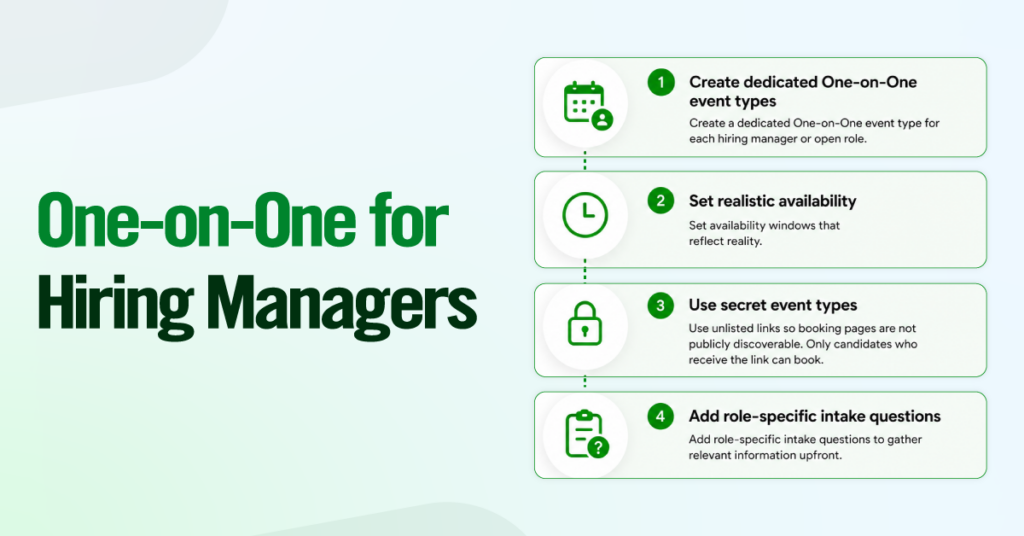
One-on-One event types are the right fit for hiring manager interviews because these conversations require a specific person, not a pool.
After a candidate clears the phone screen, they typically need to meet a particular hiring manager. The candidate needs time with one specific individual, and that individual’s calendar is usually the bottleneck.
How to configure this effectively:
- Create a dedicated One-on-One event type for each hiring manager or, at a minimum, for each open role.
- Set availability windows that reflect reality.
- Use Calendly’s “secret” event type feature (unlisted links) so these booking pages are not publicly discoverable. Only candidates who receive the link from your recruiting team can book.
- Add role-specific intake questions.
The key insight here is that hiring manager time is your scarcest resource.
Stage 3: Collective Scheduling for Panel Interviews
Collective event types solve the hardest scheduling challenge in recruiting: finding a single time slot that works for three, four, or five interviewers simultaneously.
Panel interviews are where scheduling falls apart for most teams. With Collective scheduling, Calendly checks the real-time availability of every required panelist and only shows the candidate time slots where all participants are free. There are no spreadsheets, no reply-all email chains, and no recruiter manually cross-referencing five calendars.
One critical limitation to note: Collective scheduling in Calendly tops out at around 6 to 8 panelists, after which availability becomes so constrained that candidates see very few (or zero) open time slots. If your panel interviews regularly involve more than 6 people, you may need to split the session into two separate rounds or consider a more enterprise-grade tool.
Syncing Calendly with Your Tech Stack
Integrating Calendly with your applicant tracking system (ATS) eliminates manual data entry by automatically syncing interview scheduling details with candidate records. Instead of updating multiple systems, recruiters can manage scheduling and hiring workflows from a single source of truth.
Calendly integrates with leading ATS platforms such as Greenhouse, Lever, and JazzHR, automatically logging scheduled interviews, syncing candidate activity, and supporting workflow automation where available. This reduces administrative work, minimizes data-entry errors, and helps recruiting teams keep candidate pipelines accurate and up to date throughout the hiring process.
Automating the Candidate Experience with Workflows
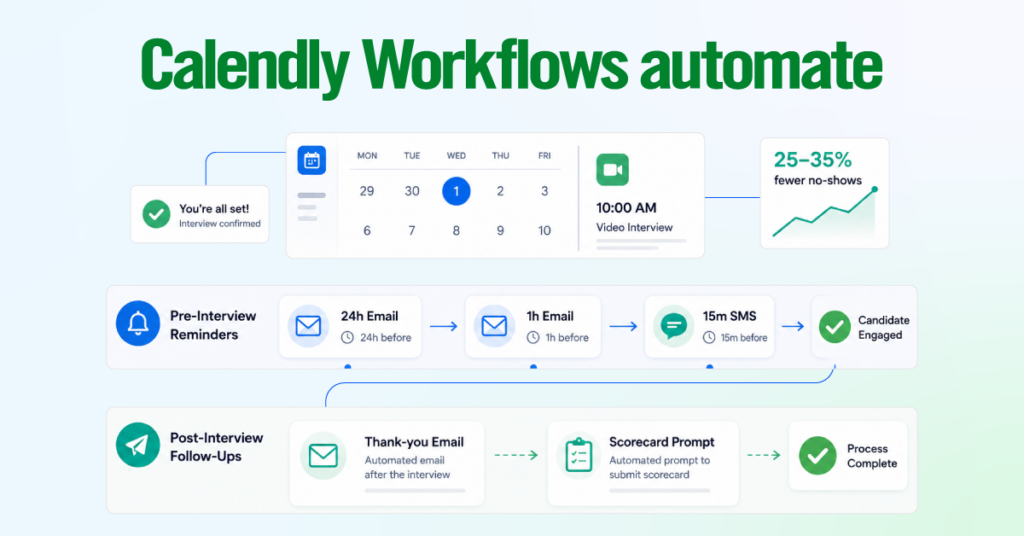
Calendly Workflows automate the communication touchpoints that prevent no-shows and keep candidates engaged. This is where most teams underinvest, and where the biggest experience gains live.
Pre-Interview Reminders (Email and SMS)
Automated reminders are the single most effective lever for reducing interview no-shows, which average 20% to 30% for phone screens according to Greenhouse’s recruiting benchmarks. Here is the sequence we recommend:
Reminder 1 (Email, 24 hours before): Confirm the interview time, interviewer name, format, and any prep materials the candidate should review.
Reminder 2 (Email, 1 hour before): A short logistics-only nudge with the time and video link or phone number. Keep it under 50 words.
SMS (15 minutes before): Available on Teams and Enterprise plans. Catches candidates who missed email reminders, especially effective for phone screens.
This two-touch email-plus-SMS sequence consistently reduces no-shows by 25% to 35%. For a team running 200 phone screens per month, that is 50 to 70 recovered interviews.
Post-Interview Follow-Ups
Automated follow-ups close the loop for both parties without adding to recruiters’ workload.
For candidates, send an automated thank-you email 30 minutes after the interview ends, restating the next-steps timeline. If they are advancing, include the scheduling link for the next round directly in this email to collapse multi-day scheduling gaps.
For interviewers, send an automated nudge 15 minutes after the interview to prompt scorecard submission in the ATS. For panels, send individual prompts to each panelist rather than a group message to avoid bystander effects.
When Calendly Isn’t the Right Tool: Honest Limitations
Calendly is a strong fit for recruiting teams at companies with roughly 300 employees or fewer. Beyond that, scheduling complexity often requires a dedicated recruiting scheduling platform.
Large interviewer pools become difficult to manage. Calendly lacks native load balancing, trained interviewer tagging, and automatic panel assembly. Interviewer skill matching is limited, with no reliable way to assign the right interviewer type per stage, such as systems design, behavioral, or executive interviews.
Recruiting analytics remain basic, with limited visibility into time-to-interview, interviewer utilization, and stage-by-stage bottlenecks. High-volume hourly hiring can quickly exceed Calendly’s intended use case, especially for teams coordinating 100 or more frontline, retail, or warehouse interviews each month. Compliance-heavy teams may also find it insufficient for detailed scheduling audit trails, approval records, and action-level logs.
What Calendly Plan Does Your Recruiting Team Actually Need?
Calendly’s Free plan covers one-on-one scheduling for a single calendar, which is useful for individual contributors but insufficient for team-based recruiting workflows.
- The Teams plan ($16 per user per month, billed annually as of 2024) unlocks the features recruiting teams actually need: Round Robin and Collective event types, multi-calendar connections, automated workflows (email and SMS reminders and follow-ups), and ATS integrations with Greenhouse, Lever, and JazzHR.
- Enterprise pricing includes SSO, advanced admin controls, Salesforce integration, and audit logs, relevant for compliance-heavy teams or organizations with more than 500 employees.
For most recruiting teams, the Teams plan is the right starting point. The ROI on automated no-show reminders alone typically covers the per-seat cost within the first month.
The Candidate Experience You’re Actually Creating
Most recruiting teams treat scheduling as an internal operations task. For candidates, it is part of the hiring experience.
Before a candidate ever speaks with a recruiter, they often interact with your booking page, confirmation email, reminder email, and follow-up messages. If those steps feel slow, unclear, or inconsistent, the company can look disorganized.
To create a smoother candidate journey:
Conclusion
Calendly is one of the highest-impact, lowest-effort tools you can add to your hiring stack. The ROI is not theoretical. It shows up in faster time-to-schedule, fewer no-shows, better candidate feedback scores, and, ultimately, more accepted offers.
The key is intentional configuration. Map each interview stage to the right event type. Connect Calendly to your ATS so data flows without manual entry. Build automated reminder and follow-up workflows that keep candidates engaged and interviewers accountable. And be honest about when your team has outgrown it.
For recruiting teams at companies with fewer than 300 employees, a well-configured Calendly setup covers 80% to 90% of your scheduling needs at a fraction of the cost of enterprise alternatives. Start with your phone screen Round Robin, prove the value, and expand from there.
Your candidates will notice the difference. And the best ones will choose you partly because of it.